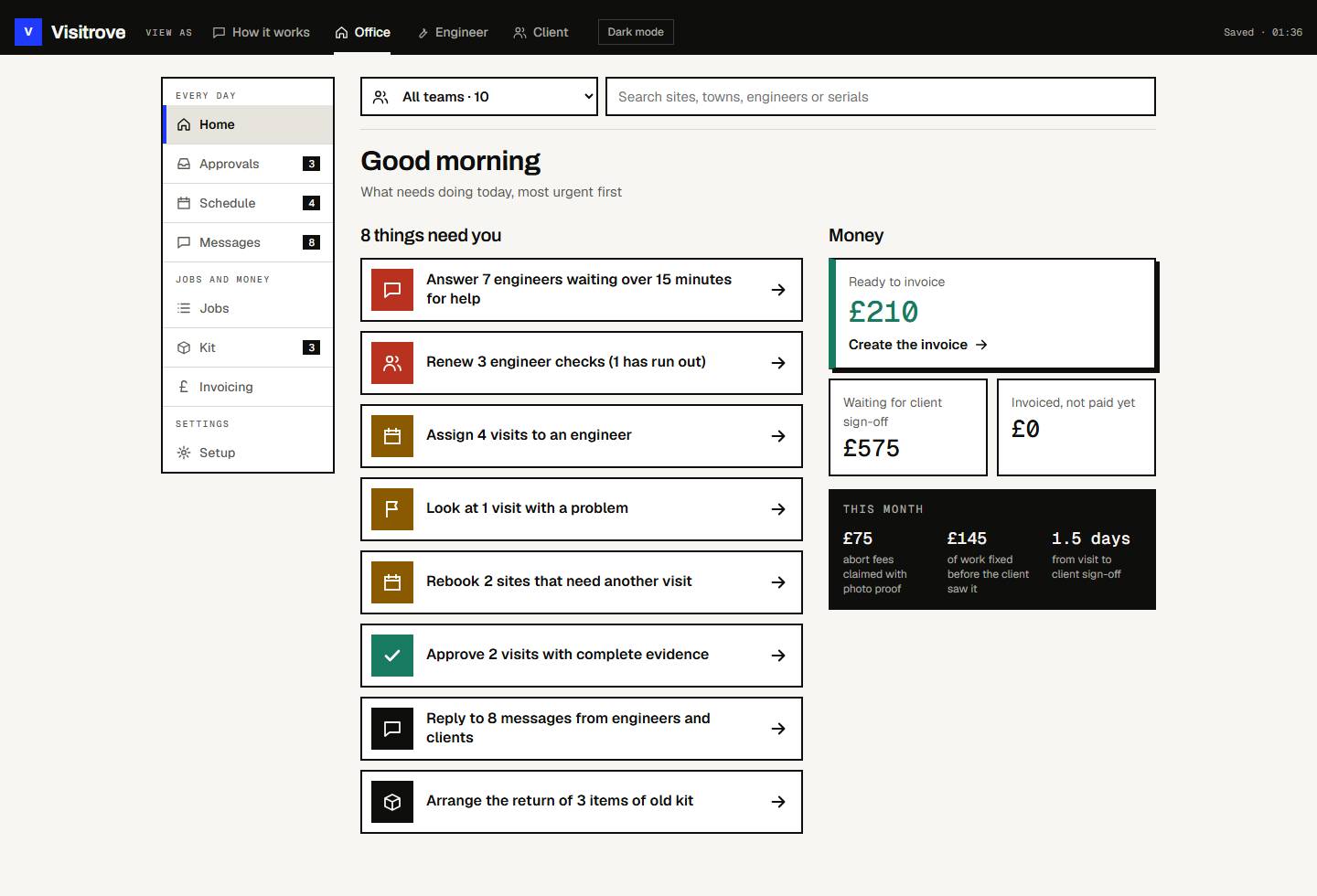
01On site
The engineer can't submit until everything is there
Anything still missing is listed above the button.
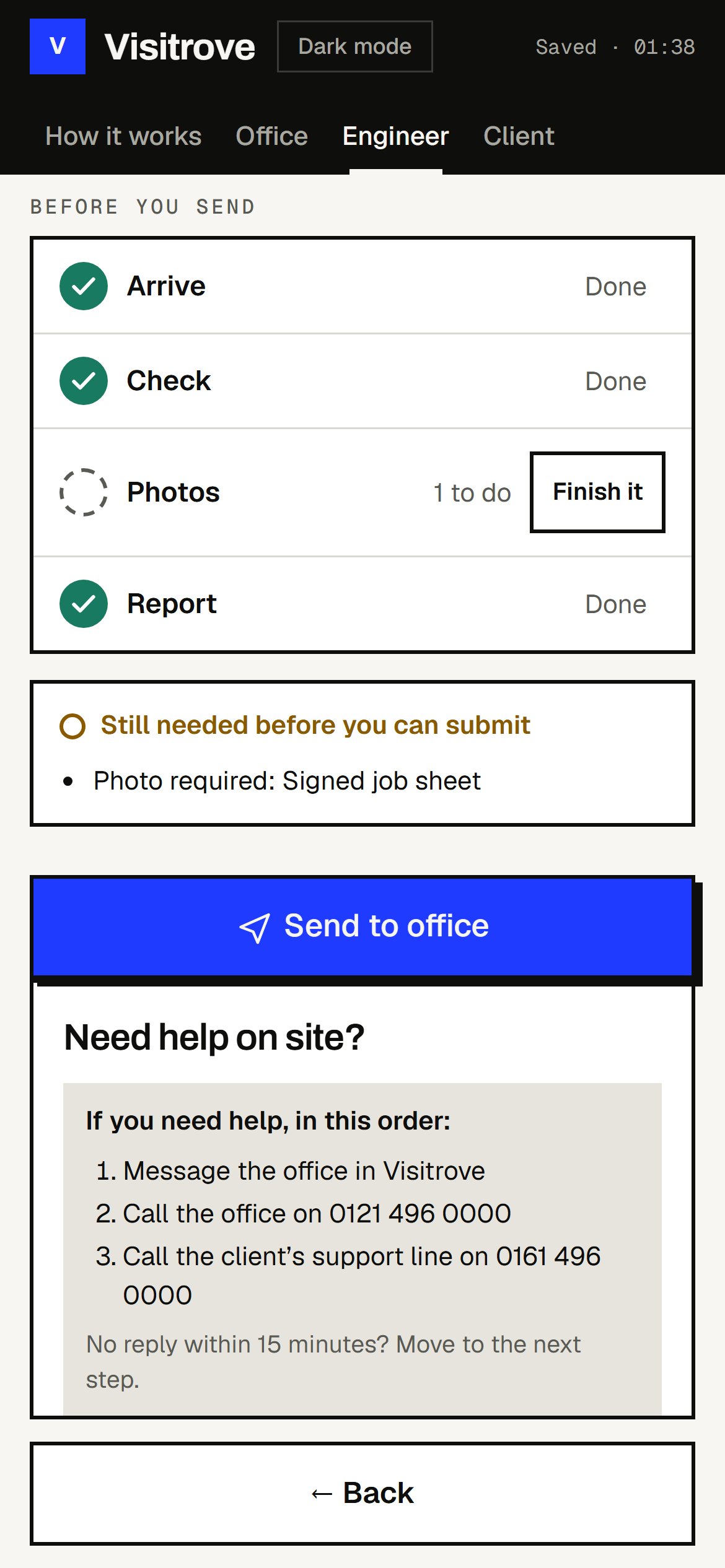
A phone app for engineers and a review screen for the office, for contractors working across lots of sites for one client.

Have a look round
Scroll inside the screen, switch pages, or see it on a phone.
Two recordings from Visitrove
Where it started
On a rollout the client wants the same evidence from every site: photos, a checklist and who the engineer spoke to. If something is missing, the client rejects it, the office chases the engineer, and sometimes someone has to go back.
A lot of teams do this with WhatsApp photos and a spreadsheet. That's fine for ten sites. At a hundred, the office spends its week matching photos to visits and taking calls about progress.
From start to finish
01On site
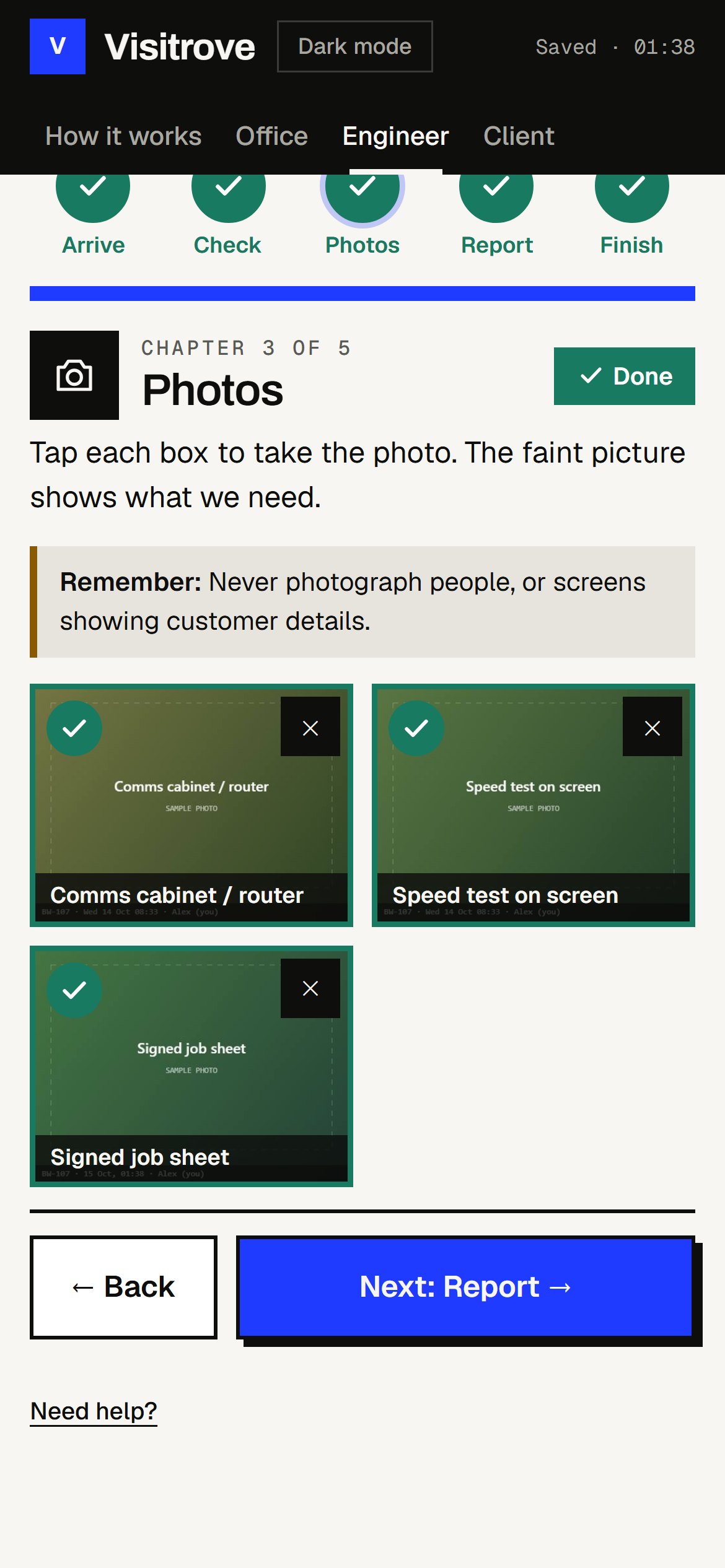
Anything still missing is listed above the button.
Each one shows the site code, the time and the engineer's name.
02In the office
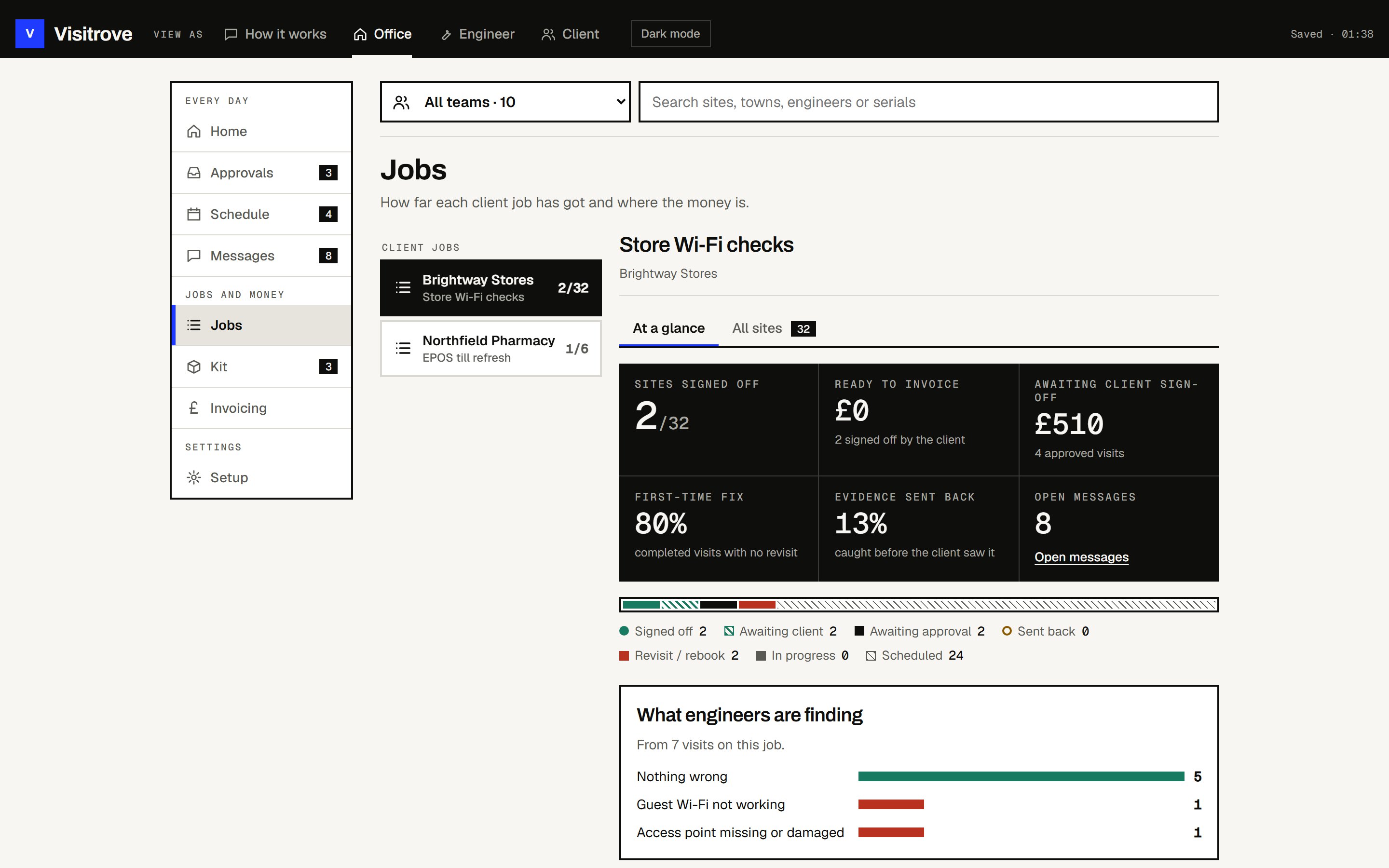
Visits arrive already checked. Approving one adds it to the invoice. Sending one back puts a note on the engineer's phone.
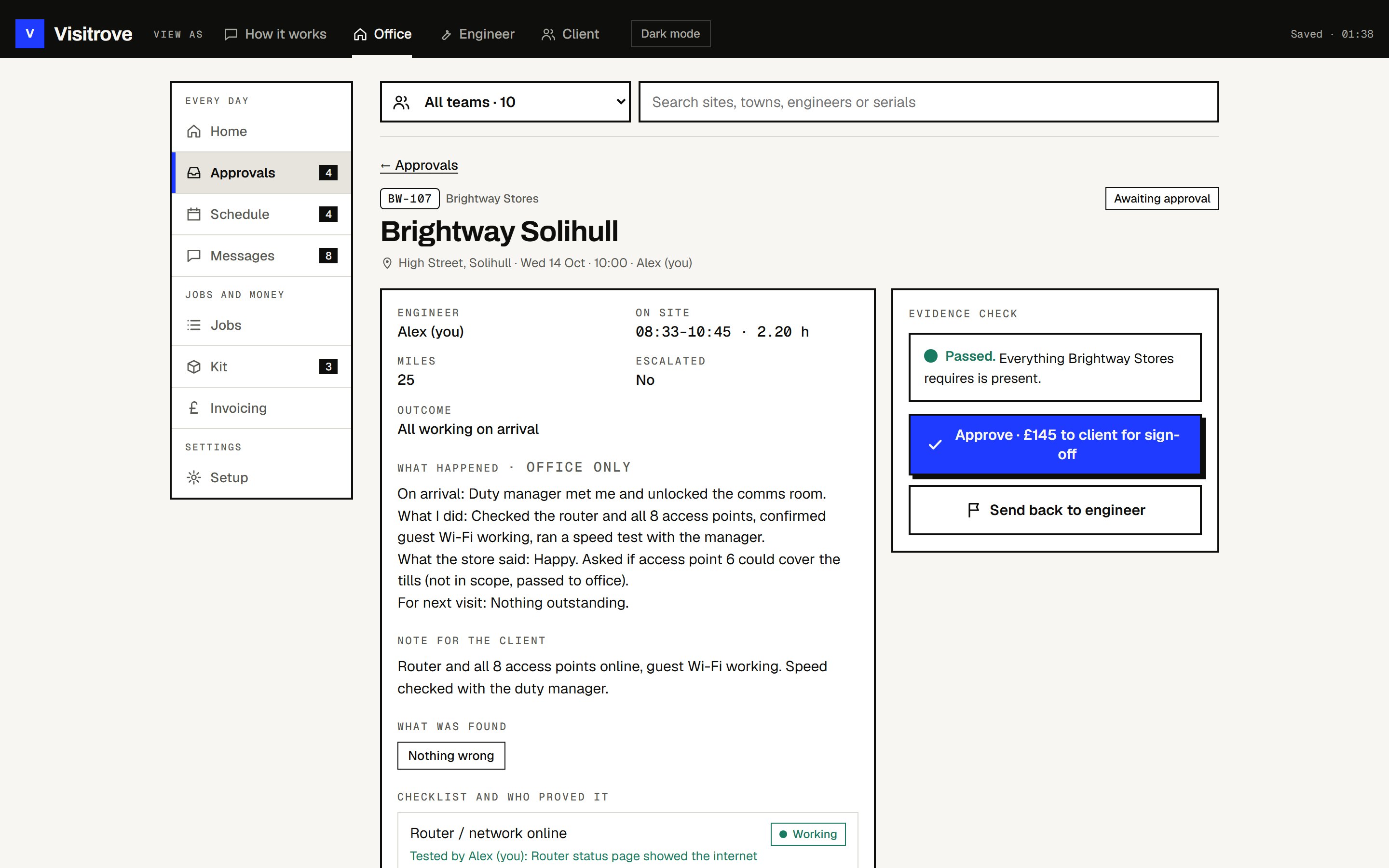
Sites done, money ready to invoice, and how often work was fixed first time.
03For the client
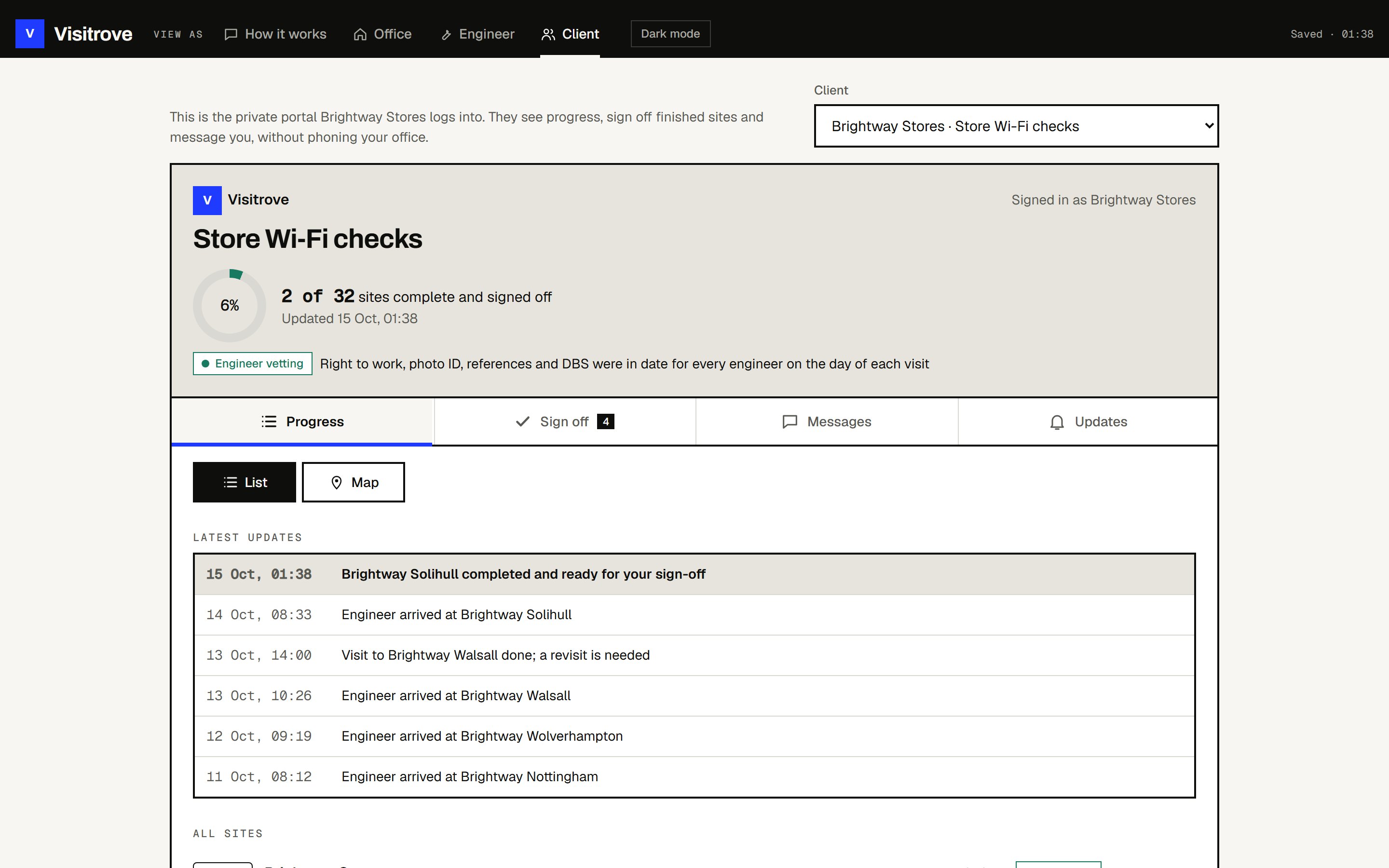
Your client can check progress and evidence themselves, without a login.
What we built
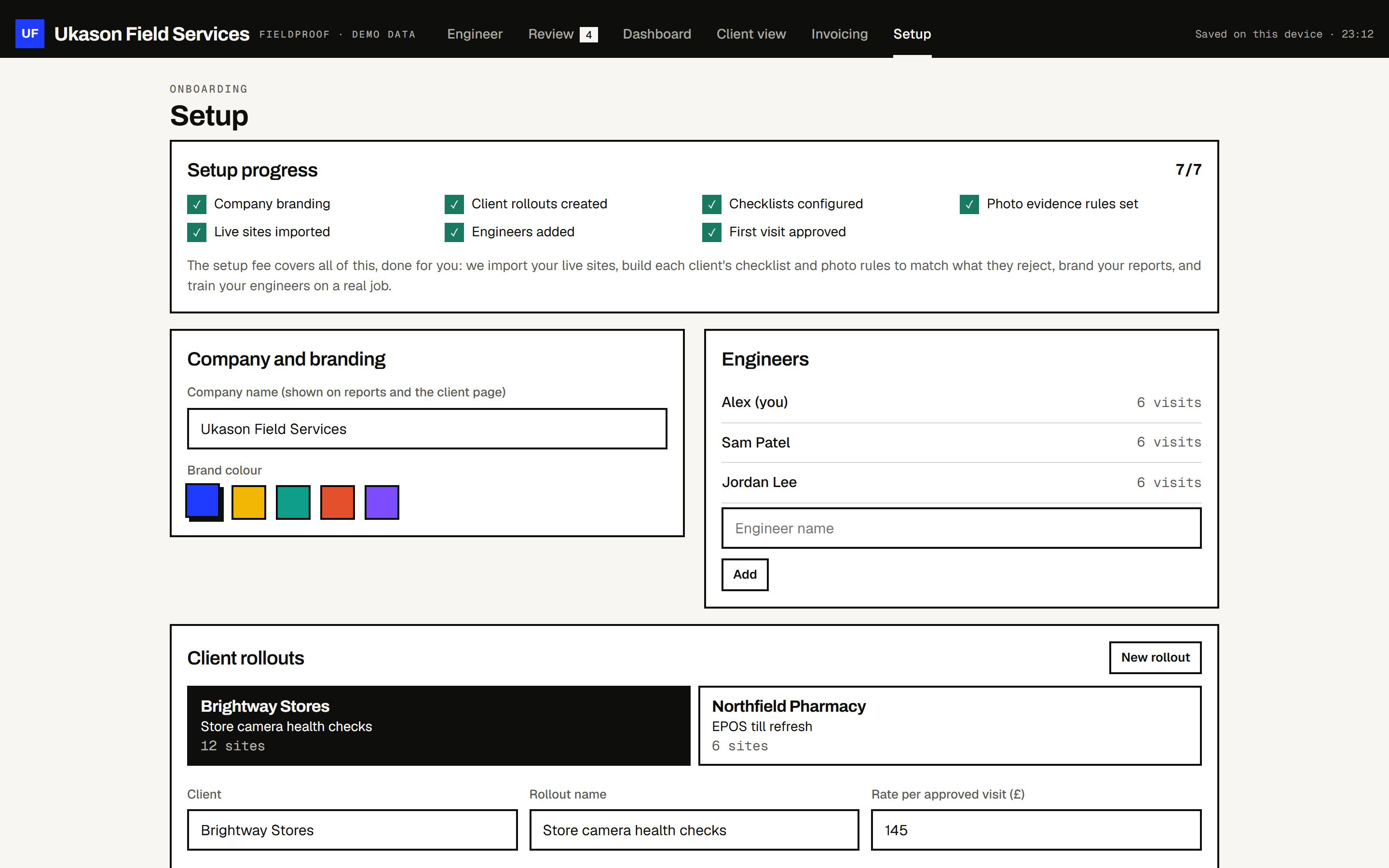
Each client gets their own checklist and photo list. Your company name and colour go on what the client sees, and you can paste in a site list from a spreadsheet.
How a trial would work
We add your client's checklist and photo list.
Your engineers use it for one rollout or one region.
Your office approves visits and exports what the client needs.
We compare it with your last rollout. You keep it or stop.
This version saves on the device it runs on. Logins and syncing between phones come with the trial.